 English
 简体中文
简体中文
 Bahasa Melayu
How to Top Up WINBOX Using EzPay
EzPay Top Up Guide (Mobile Version)

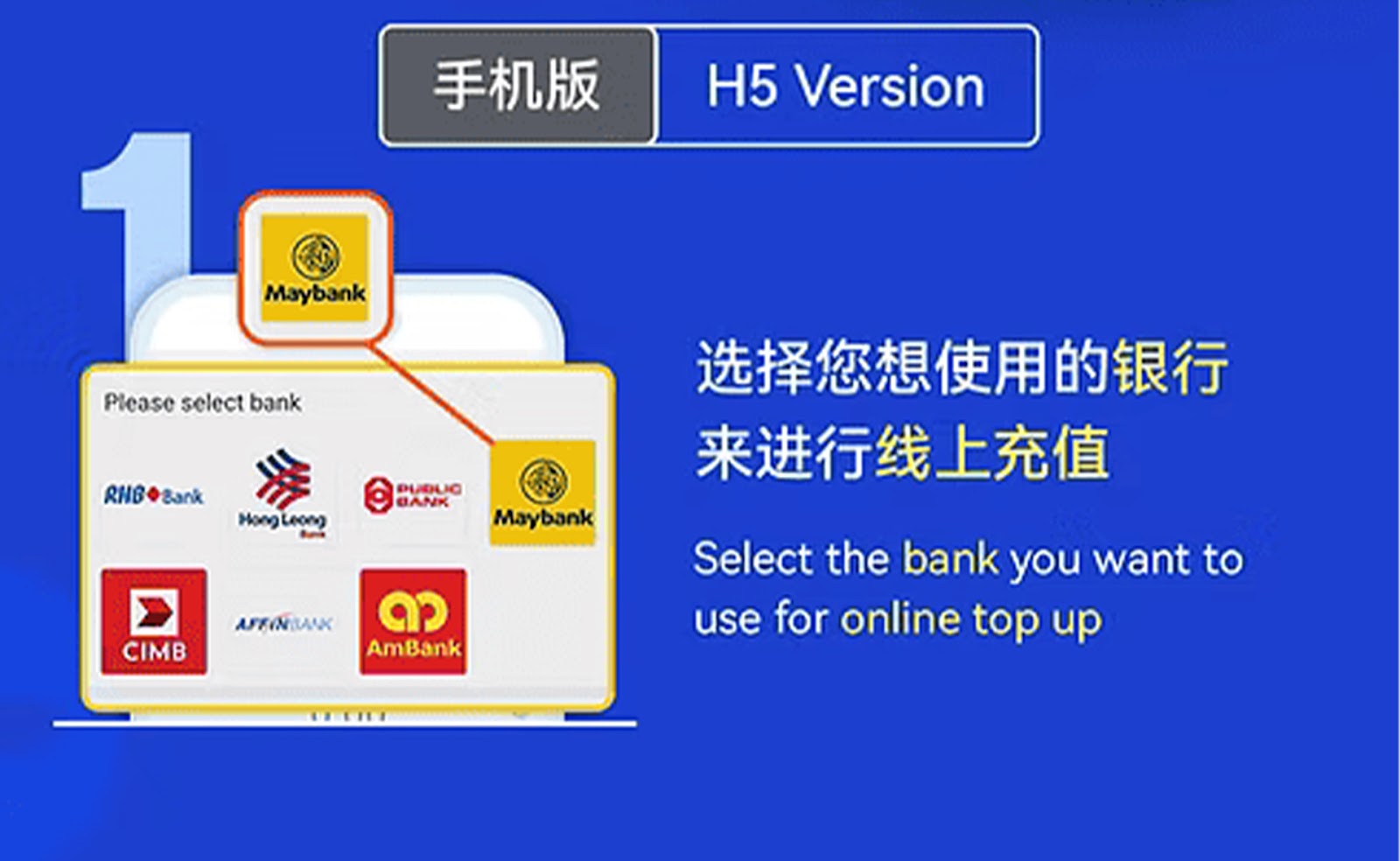




Step 1 – Choose Your Bank and Start the Online Transfer
Begin by selecting the supported bank for your EzPay transaction, then proceed to the online top-up page within WINBOX.
Step 2 – Enter the Deposit Amount
Input your desired deposit amount in the EzPay form. Double-check to ensure the amount matches your intended top-up value.
Step 3 – Enter Your Bank Account Name
Provide the correct bank account name to allow the system to match and verify your payment automatically.
Step 4 – Fill in Your Mobile Number
Enter your active mobile number so the system can track and link your transaction under your WINBOX account.
Step 5 – Click "Next" to Proceed
Review your entries and select the "Next" button to continue to the payment confirmation stage.
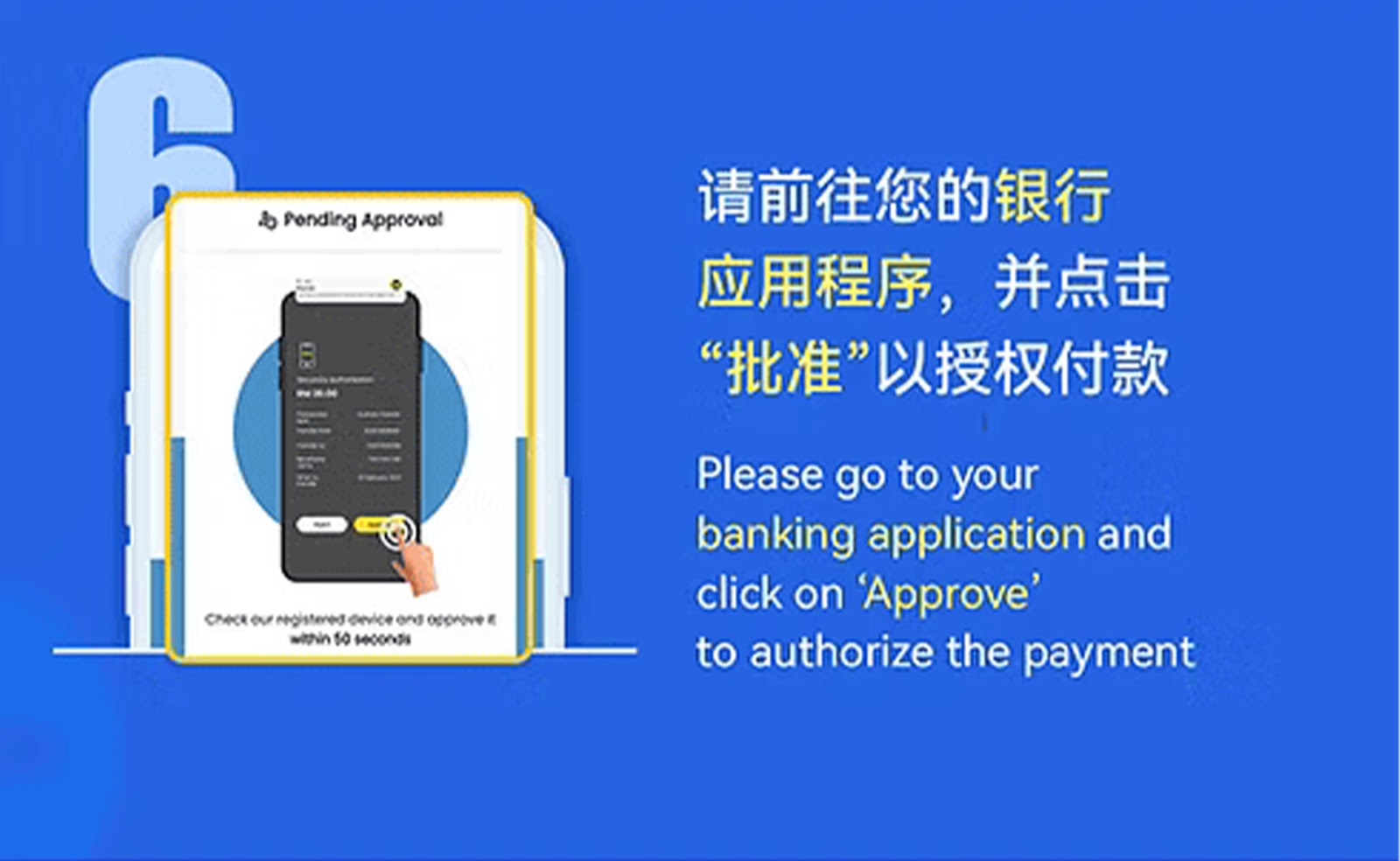
Step 6 – Complete Payment Through Your Banking App
Open your banking application or online banking page, complete the transfer, and upload the required confirmation if needed.
Step 7 – Wait for Automatic Confirmation
Once payment is processed, the system will verify and update your balance.
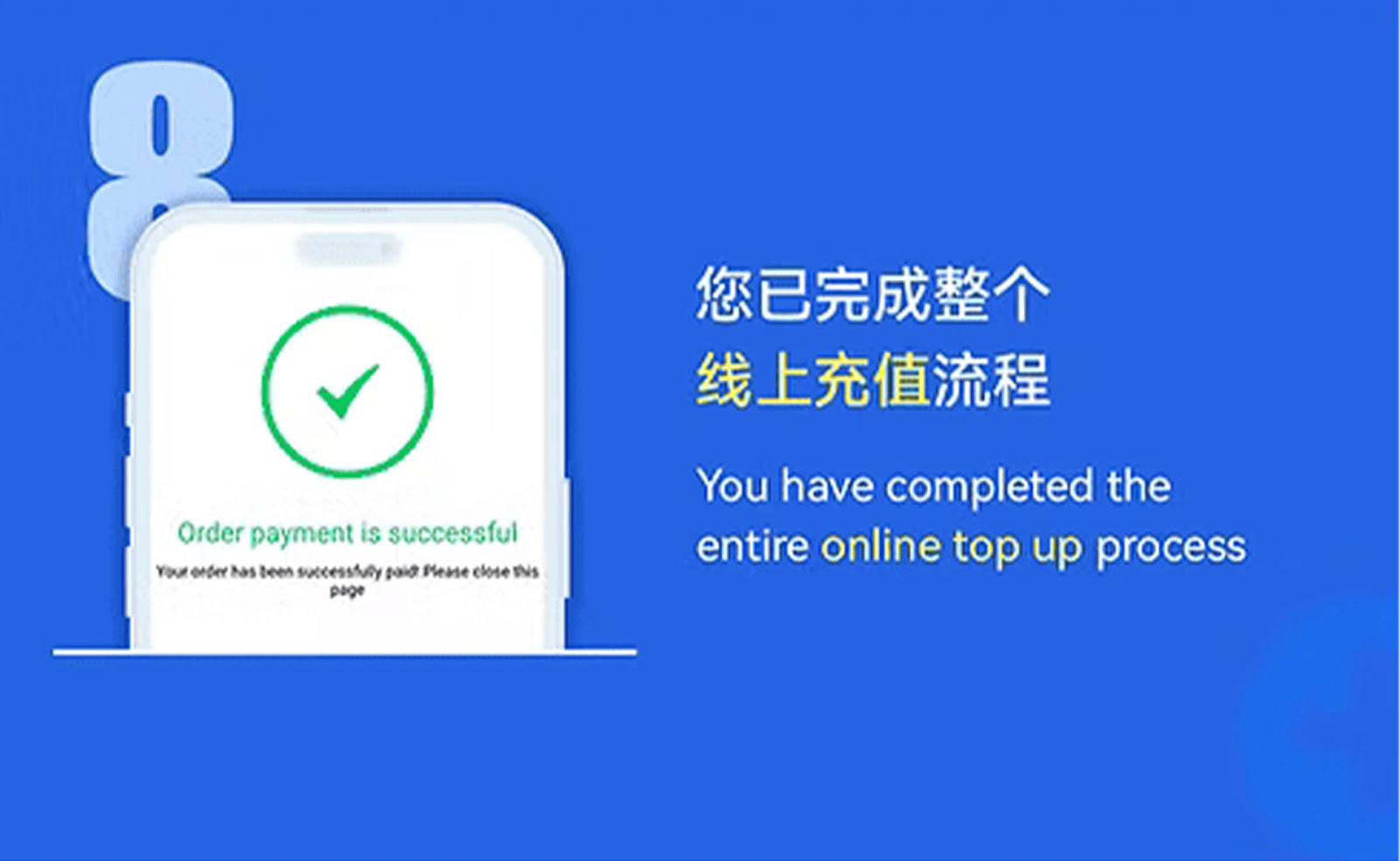
Step 8 – Top Up Successful
Your EzPay top-up will appear in your WINBOX balance. You may now continue using the H5 version or app seamlessly.
EzPay Top Up Guide (PC Version)
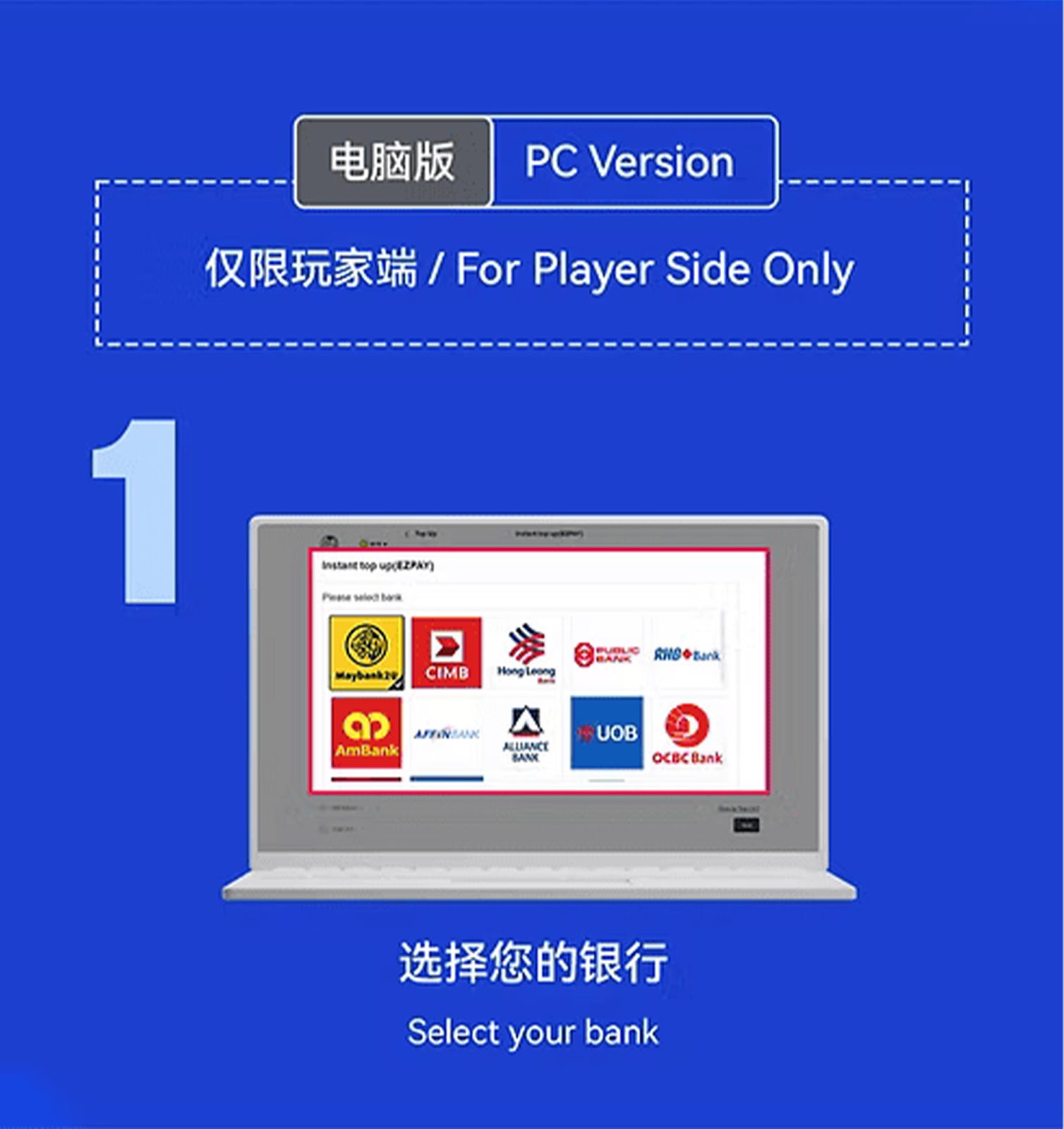


Step 1 – Select Your Bank
From your WINBOX dashboard, choose the bank you want to use for the EzPay top-up process.
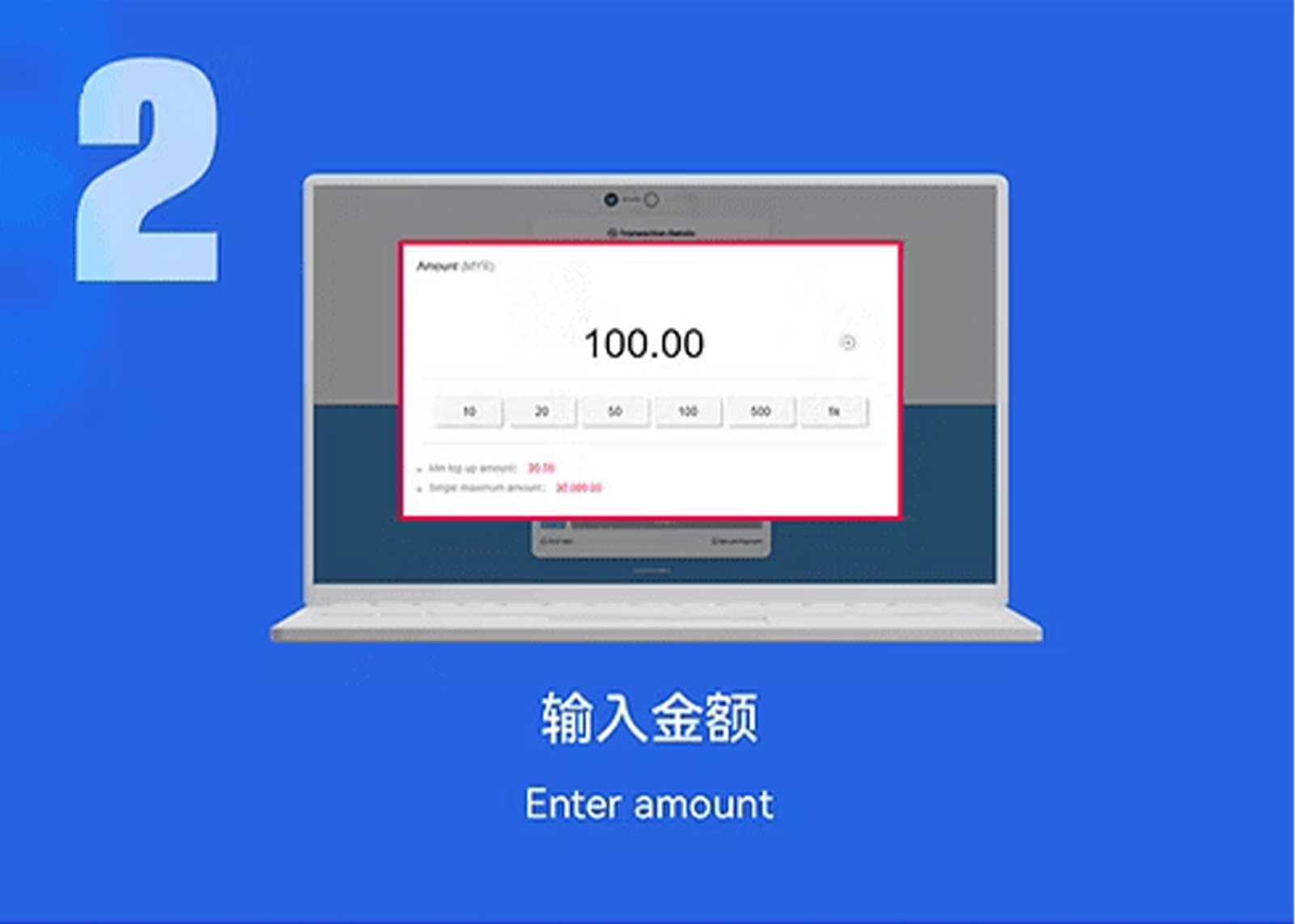
Step 2 – Enter Deposit Amount
Fill in your preferred deposit amount and proceed to the next step.
Step 3 – Confirm Amount and Bank
Review your selected bank and top-up amount to ensure accuracy before confirmation.
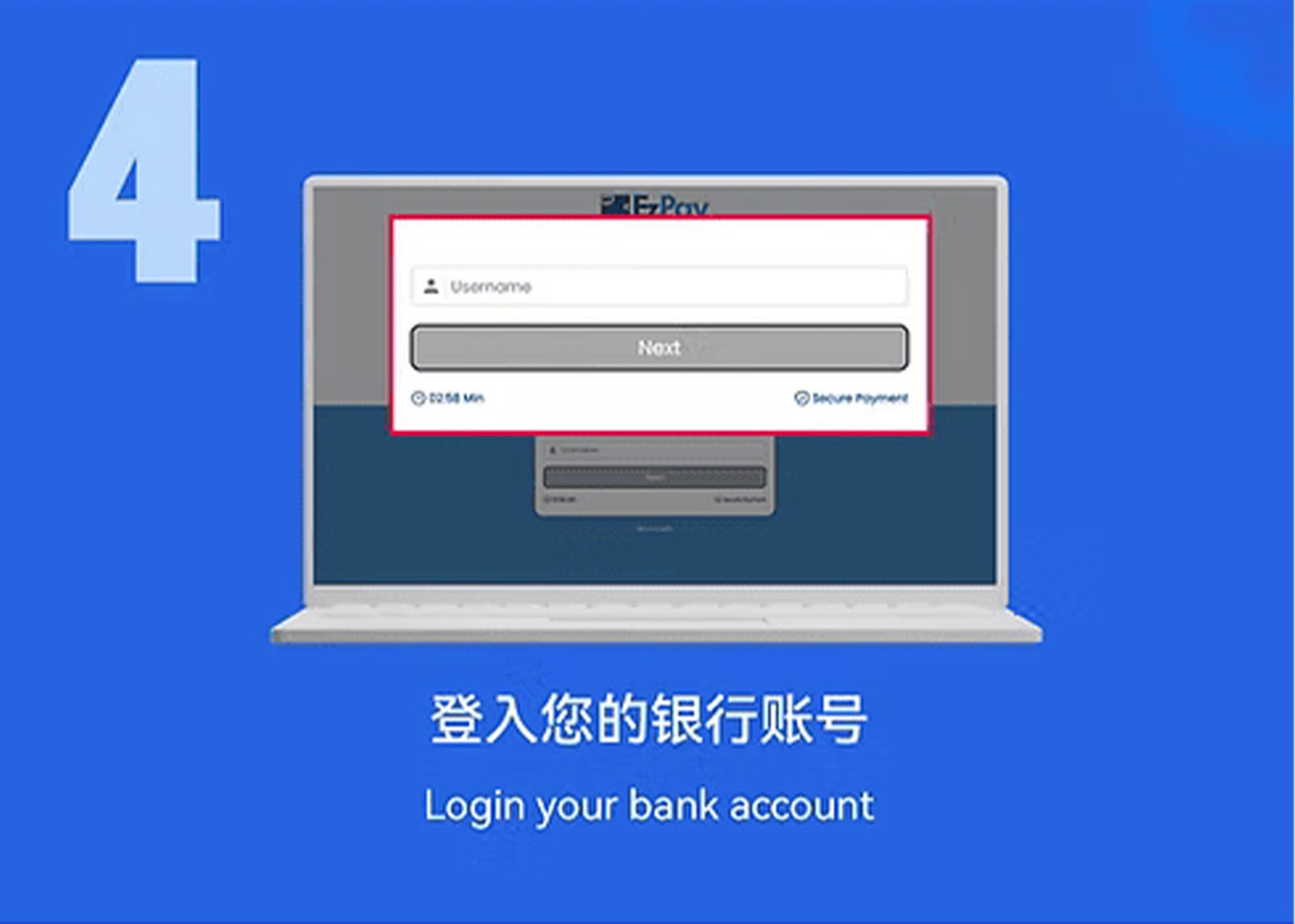
Step 4 – Log In to Your Bank Account
The system will redirect you to your bank’s login page. Enter your account credentials securely.
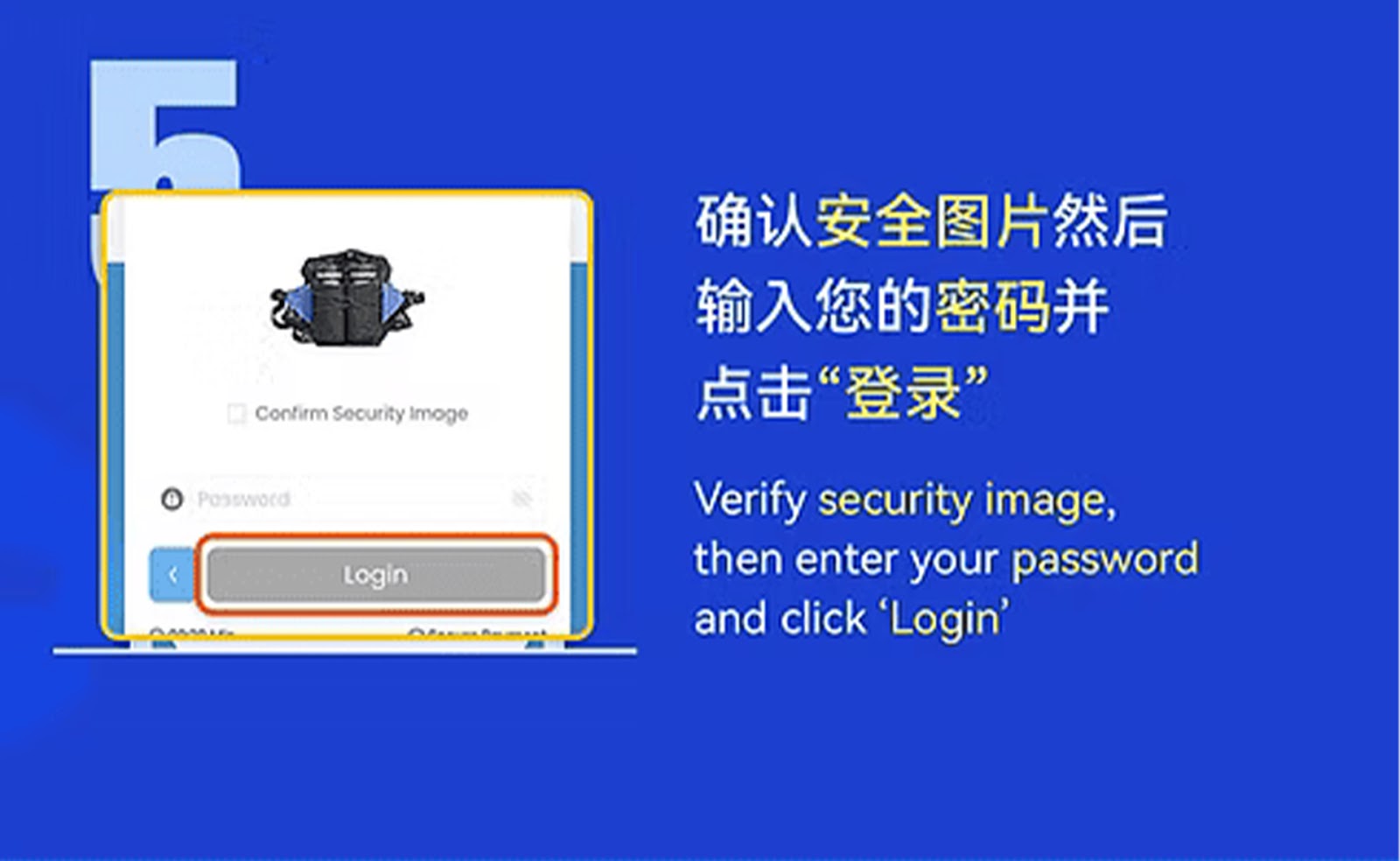
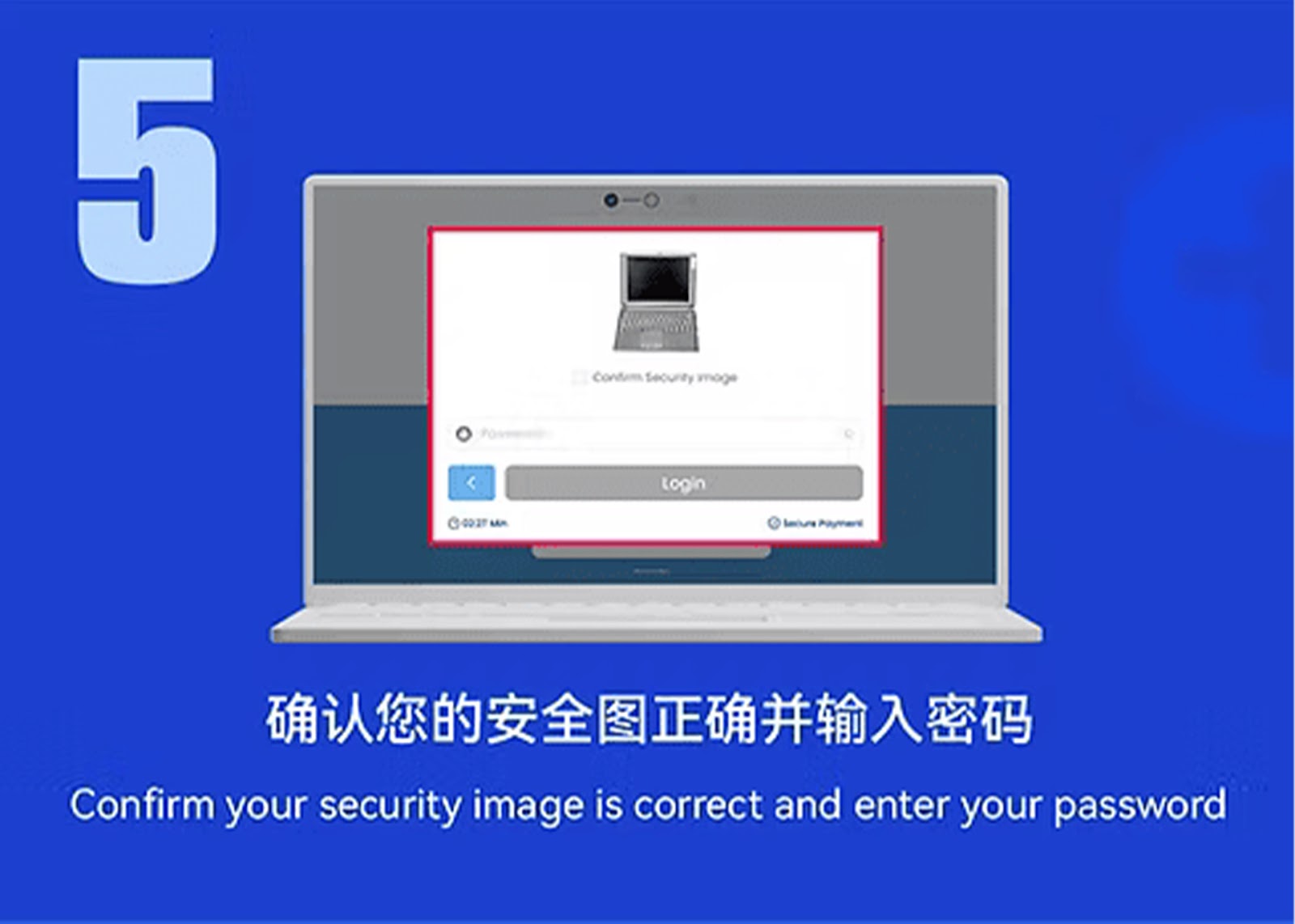
Step 5 – Verify and Enter Payment Password
Follow your bank’s instructions and input your payment password or authentication code.
Step 6 – Approve the Transaction
Complete the transaction by selecting the confirm or approve button. Your payment will be processed instantly.
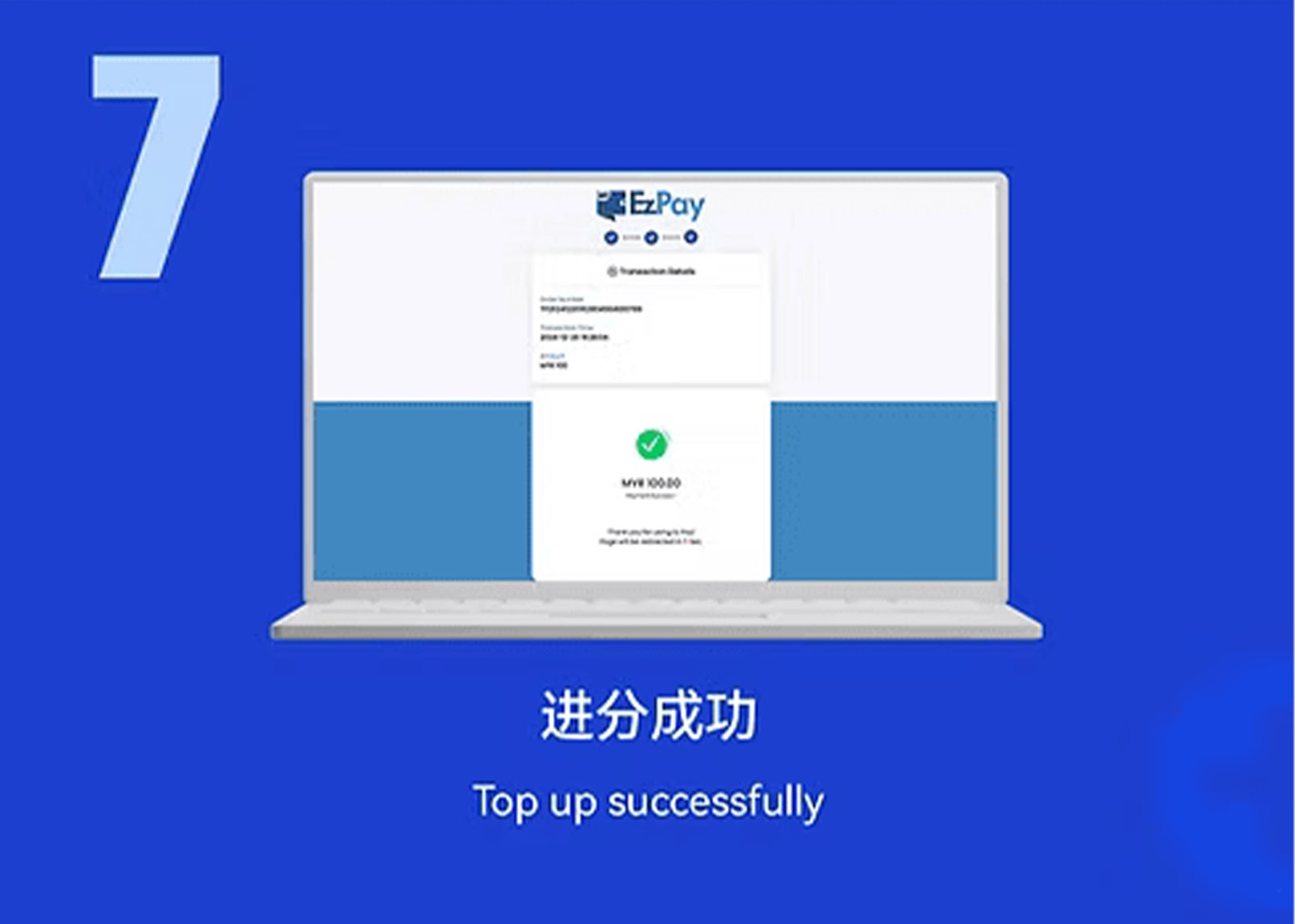
Step 7 – Top Up Completed
After successful payment, your WINBOX balance will update automatically.
Why Use EzPay on WINBOX
Fast and Seamless Transactions
EzPay provides instant deposit processing, allowing WINBOX users to top up and play without delay.
Secure Payment Channels
WINBOX ensures all EzPay transactions are encrypted and protected under advanced security layers.
Convenient for Both Mobile & PC
Whether on mobile or desktop, WINBOX EzPay supports a smooth and user-friendly deposit flow.
Start Your WINBOX EzPay Top Up
Follow the EzPay steps to complete your secure top-up and enjoy seamless gaming on WINBOX.